Scott Watermasysk presents
Stooges
Multiple independent copies of your repository—with near-zero disk overhead. No stashing. No conflicts. No nonsense.
Starring
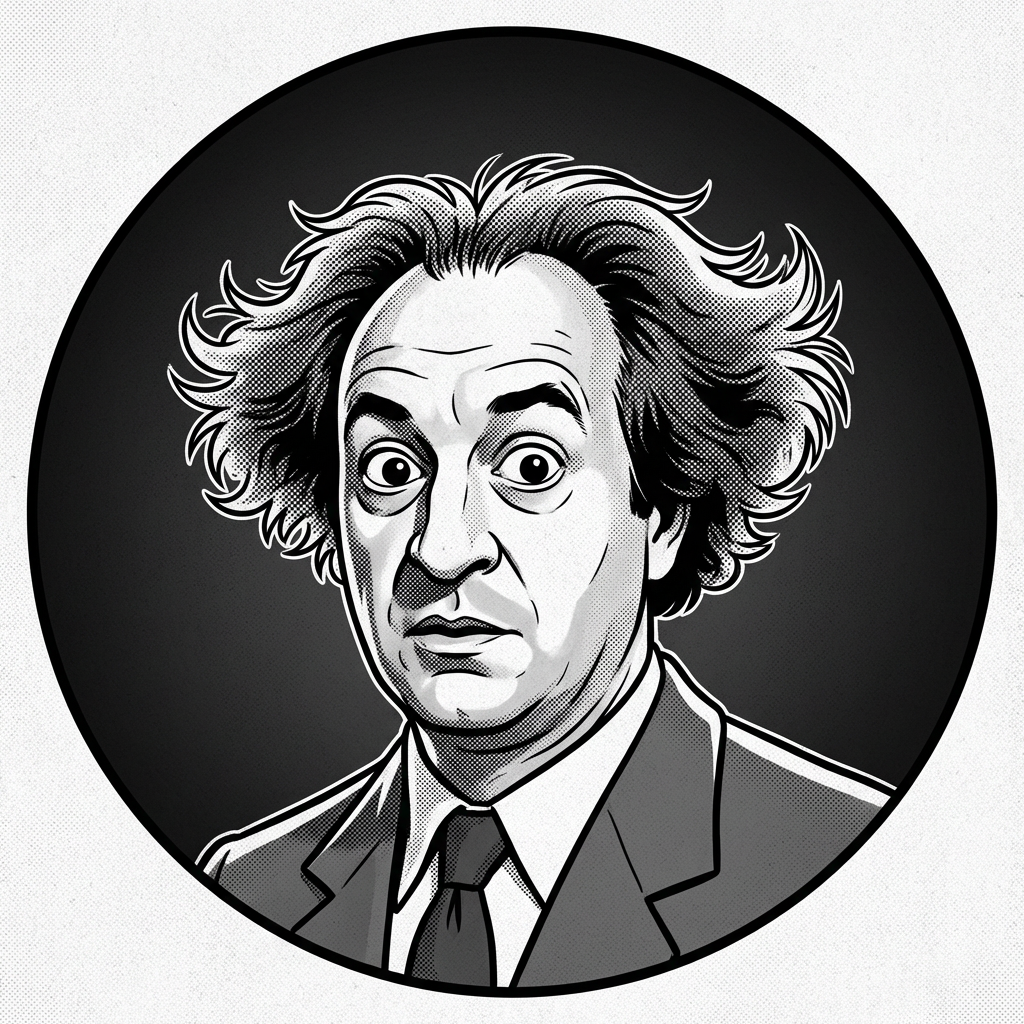
Larry
Workspace One
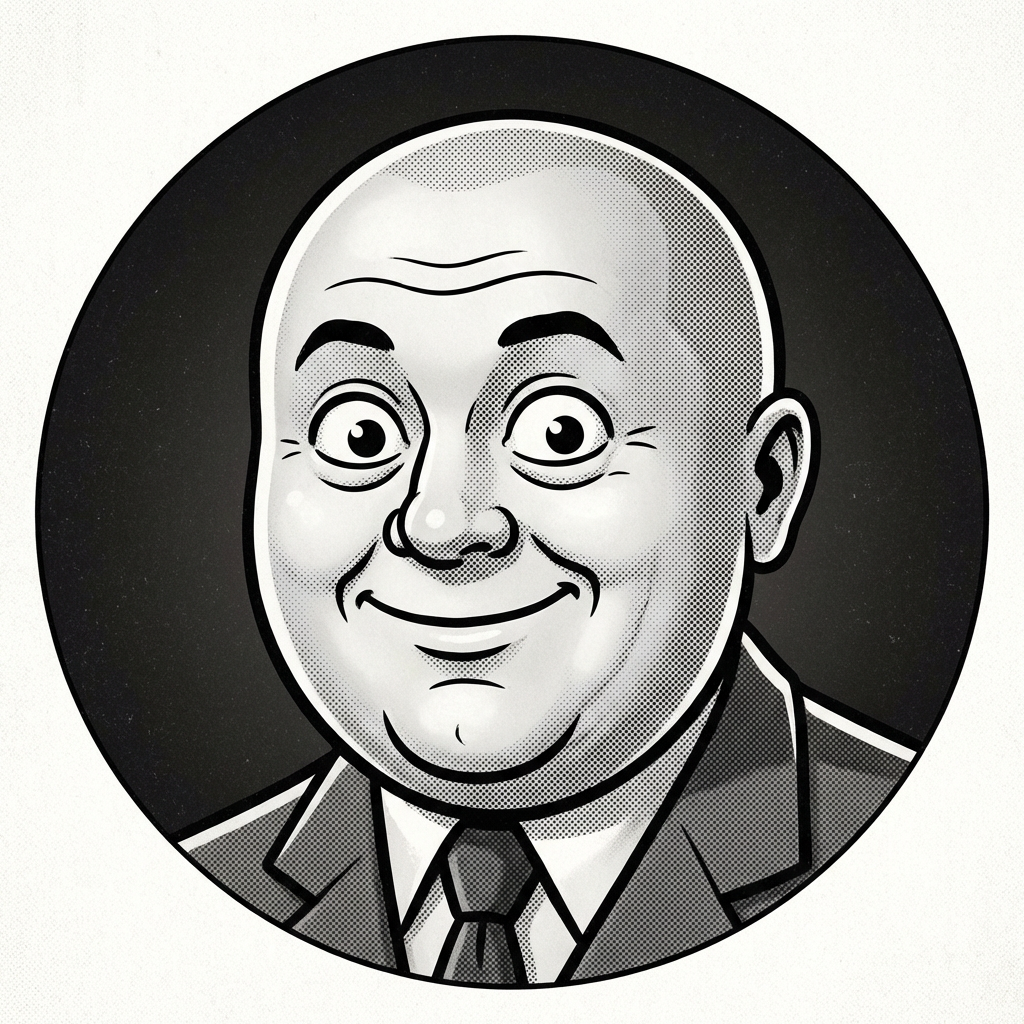
Curly
Workspace Two

Moe
Workspace Three
The Picture
You run an AI coding agent in one workspace. A long test suite in another. A hotfix in a third. Each one a fully independent clone of your repository—its own .git, its own index, its own branch.
And thanks to copy-on-write magic, they share disk blocks with the original. Extra space? Only as files diverge. It's practically free.
| Method | Disk Cost | Independent? | Tooling |
|---|---|---|---|
| Plain Copies | Full duplicate | Yes | None |
| Git Worktrees | Shared .git | No — shared index & locks | Built-in |
| Stooges | Copy-on-write | Yes | Full CLI |
Feature Presentation
Copy-on-Write
Workspaces share disk blocks with the original. Extra space used only as files diverge. Near-zero overhead.
Fully Independent
Each workspace has its own .git directory. No shared lock files. No index conflicts. True isolation.
Sync & Rebase
Keep all workspaces current with one command. Automatic conflict-free rebasing across every branch.
Built for Agents
Run multiple AI coding agents in parallel, each in its own isolated workspace. No stepping on toes.
Visible Progress
Workspace creation shows one clean, delayed progress spinner in a terminal, durable stderr phases in CI, and live setup output during long-running hooks. Ordinal counters appear only when several workspaces are being created.
A Typical Scene
Initialize Once
$ stooges init
Sets up the base repo & creates Larry, Curly, and Moe.
Add a Workspace
$ stooges add auto-cd -b
Creates a new workspace with its own branch. Base-derived add (except --track) and branch runs sync first by default. Or use stooges branch scott/auto-cd, stooges fork scott/auto-cd, stooges track feature/shell-init, or stooges pr 37 to derive the workspace name automatically.
Work Independently
$ cd auto-cd && git commit -am "add shell wrapper"
Or enable the optional shell wrapper and stooges add, stooges branch, stooges fork, stooges track, or stooges pr can drop you in automatically.
Keep Everything Current
$ stooges rebase
Syncs base, rebases all workspace branches. Done.
The Full Repertoire
Command names accept unique unambiguous prefixes too, so stooges br scott/auto-cd works the same as stooges branch scott/auto-cd. Ambiguous prefixes still fail.
Branch Example
$ stooges branch scott/auto-cd
Derives workspace auto-cd and creates or switches local branch scott/auto-cd.
Fork Example
$ cd larry && stooges fork scott/auto-cd
Copies the current managed workspace state into auto-cd and creates local branch scott/auto-cd; errors if that branch already exists in the copied workspace.
Track Example
$ stooges track feature/shell-init
Derives workspace shell-init and checks out a local branch tracking origin/feature/shell-init; errors if the remote branch is missing or the destination local branch already exists.
PR Example
$ stooges pr 37
Looks up PR #37 with the GitHub CLI, checks gh auth status first, derives a workspace name from the PR head branch, and checks out that PR in the new workspace. Cross-repo setup runs only after checkout succeeds. Run stooges pr with no number to choose from open non-draft PRs interactively, or add --draft to include drafts.
Hooks & Cleanup
$ stooges trash auto-cd --force
Add setupScript and teardownScript to the existing .stooges-metadata.json to automate per-workspace setup and cleanup. Both hooks receive STOOGES_PROJECT with the project folder name, so scripts do not need to hard-code it. Setup runs after checkout; pass --no-setup or --rollback-on-setup-failure on add/branch/fork/track/pr when needed. Creation progress and live setup output go to stderr, leaving stdout results and the private auto-CD destination unchanged. Terminals use one delayed transient spinner; CI logs get durable phase lines. Setup failures identify retention or rollback, and warn when cleanup leaves workspace state uncertain. Trash preflights removal, runs teardown, then uses Trash or forced deletion.
Get the Picture
or, with Go—
Already installed? Run stooges upgrade to grab the latest release.
Optional: enable auto-cd after stooges add, stooges branch, stooges fork, stooges track, or stooges pr by adding this to your shell profile:
Use bash instead of zsh if needed. Pass --no-cd for one command, or set STOOGES_NO_CD=1 in a project environment to disable auto-cd there. This setup is optional; without it, Stooges works normally and you can just cd into the workspace yourself.
View on GitHub